AI Test Grader

AI Test Grader for Teachers

Score quizzes, short-answer tests, and rubric-based assessments faster while keeping teacher review in control.

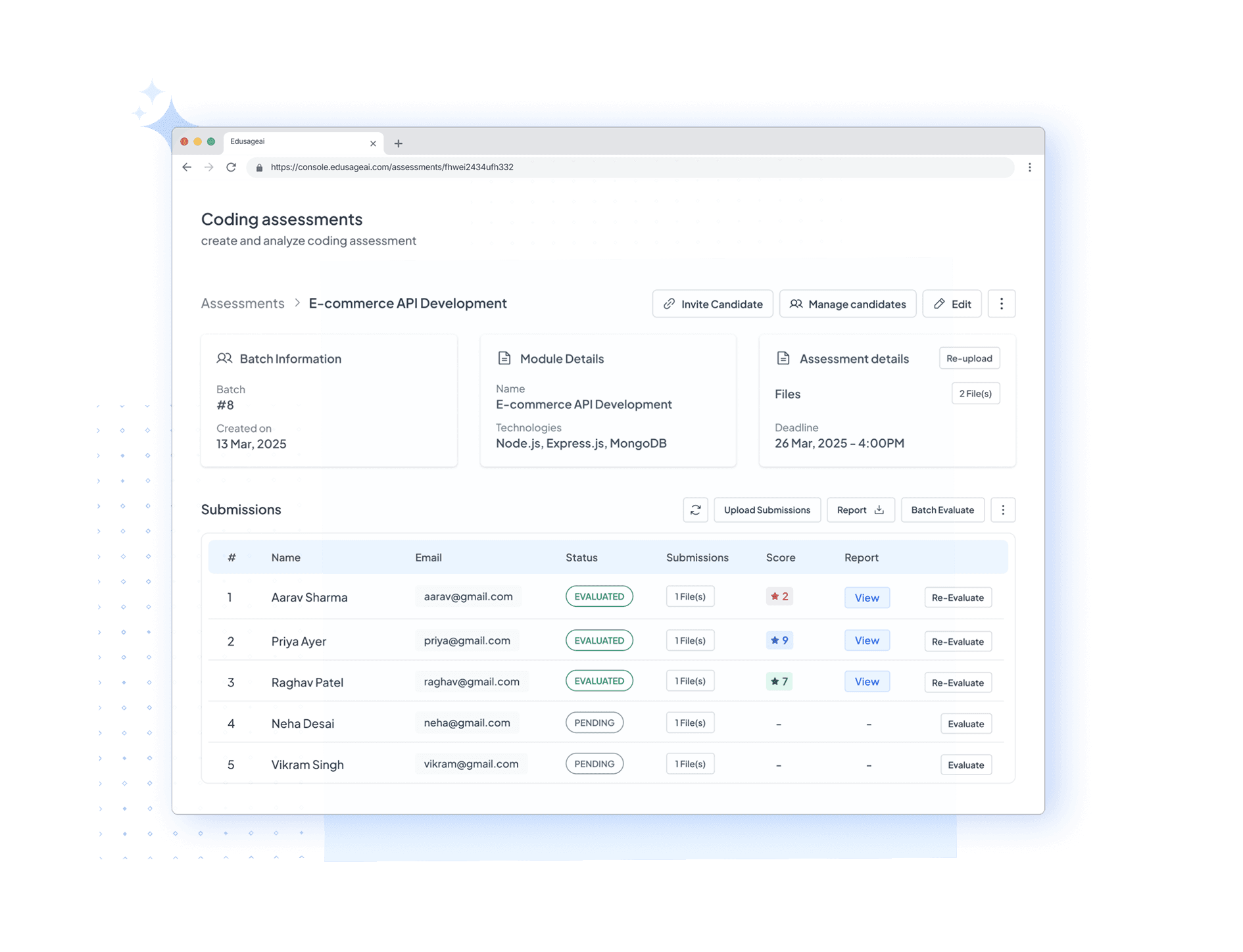
AI test grader dashboard for teachers

Use an AI Test Grader for More Than Answer Checking

An AI test grader helps teachers score written test responses faster without reducing assessment to a simple right-or-wrong check. Add the prompt, expected answer, or rubric, then review the AI-generated score and explanation before finalizing grades.

For essay-heavy tests, use the dedicated AI essay grader with rubric. For broader classroom submissions, continue with the AI grader for teachers or create reusable criteria with the free rubric maker.

What Question Types and Formats Can EduSageAI Grade?

EduSageAI grades open-ended work of several kinds against teacher-defined criteria: essays and long-form writing, open-ended exam answers, short-answer responses, and coding assignments. Each is scored criterion by criterion with written feedback, and the teacher reviews the results before any grade is released.

  • Essays and long-form writing — scored in the AI essay grader against rubric criteria you define.
  • Open-ended exam answers — constructed responses judged against a rubric or model answer.
  • Short-answer responses — brief written answers where partial credit and an explanation matter.
  • Coding assignments — handled by the code grader in the same account.
  • Upload formats — PDF, DOCX, PPTX, and TXT for question papers and submissions.

Exam grading is available on the Basic, Premium, and Enterprise plans; the Free plan covers theory and coding assignment grading. Every one of these formats draws on the same shared pool of evaluation credits, and every one of them starts from criteria you can build once in the AI rubric generator and reuse across sections.

What Teachers Need in an AI Test Grader

A useful test grader should understand criteria, explain scores, and leave teachers in control.

Grade Tests With Criteria

Score short-answer, open-response, and rubric-based test questions with consistent logic.
  • Add the prompt, answer key, or rubric
  • Evaluate each response against the same criteria
  • Review AI scores before releasing grades

Useful Feedback, Not Just Scores

Give students brief explanations that show why a response earned or missed credit.
  • Generate criterion-level comments
  • Identify missing evidence or reasoning
  • Support test corrections and revision

Faster Test Turnaround

Move through class sets quickly while keeping final grading decisions in teacher hands.
  • Reduce repetitive short-answer scoring
  • Keep scoring consistent across sections
  • Export results for records and review
Why Choose EduSageAI

Why EduSageAI Works for Test Grading

Built for short-answer and rubric-based assessment workflows where consistency and review matter.

Rubric-Aware Evaluation

Use an answer key, model response, or scoring rubric so the AI test grader understands what correct work should include.

Works Across Test Formats

Apply the workflow to quizzes, unit tests, exit tickets, open-response questions, and standards-based assessments.

Teacher Review Built In

Treat AI grading as a first pass, then approve, adjust, or rewrite feedback before students see results.

Class-Level Signals

Use results to spot questions students missed, concepts that need reteaching, and criteria that need clearer instruction.

AI Test Grader FAQs

Answers to common questions about grading quizzes, tests, and short-answer responses with AI.

What is an AI test grader?

An AI test grader is a tool that evaluates test responses against an answer key, rubric, or model response. It is most useful for short-answer, open-response, and rubric-based questions where teachers want faster scoring and clearer feedback.

Can EduSageAI grade multiple-choice tests?

EduSageAI is strongest for written and rubric-based test responses. For pure multiple-choice answer sheets, a form or scanner may be enough; for explanations, short answers, and constructed responses, EduSageAI provides more useful feedback.

Does an AI test grader replace teacher review?

No. EduSageAI is designed to speed up first-pass grading while keeping teacher review, score edits, and final decisions in place.

Can I use a rubric with the AI test grader?

Yes. You can pair test questions with a rubric or model answer so grading stays tied to the criteria students were expected to meet.

What question types and formats can EduSageAI grade?

EduSageAI grades essays and long-form writing, open-ended exam answers, short-answer responses, and coding assignments, all against teacher-defined rubric criteria. Question papers and submissions can be uploaded as PDF, DOCX, PPTX, or TXT files.

Which plans include exam grading?

Exam grading is included on the Basic plan at $10 per user per month with 200 evaluations, the Premium plan at $25 per user per month with 1,000 evaluations, and the Enterprise plan with custom limits. The Free plan covers theory assignment grading and coding assignment grading within its 50 evaluations per month.

Do different question types use separate credit allowances?

No. Essay grading, exam grading, code grading, and AI rubric generation all draw from the same shared pool of evaluation credits on your plan, so you do not have to budget one format against another.

Grade Tests Faster With AI

Use EduSageAI to score short-answer and rubric-based test responses with faster, teacher-reviewed feedback.